Pläne ansehen
Fesselnde harmonische Bildgestaltung
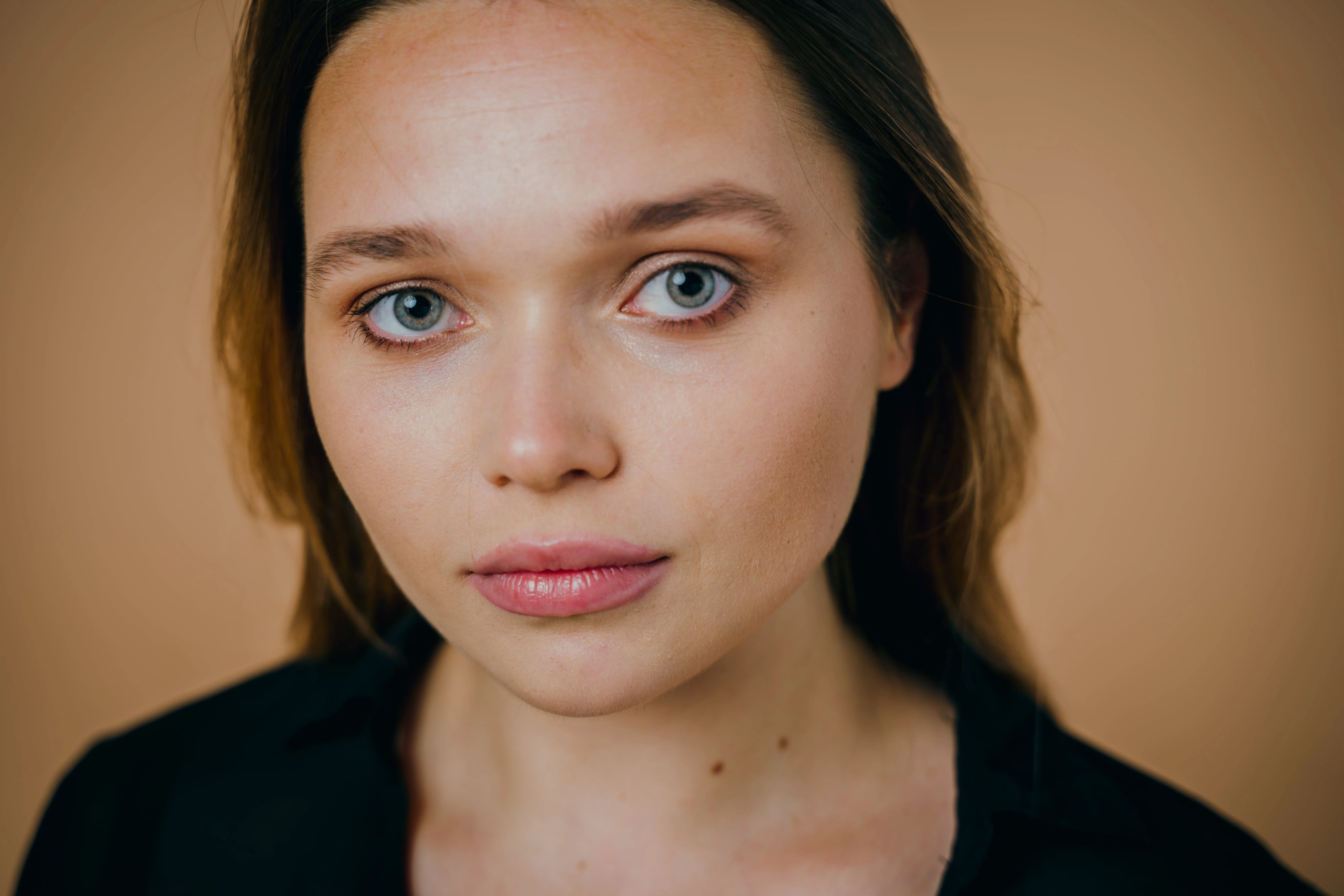
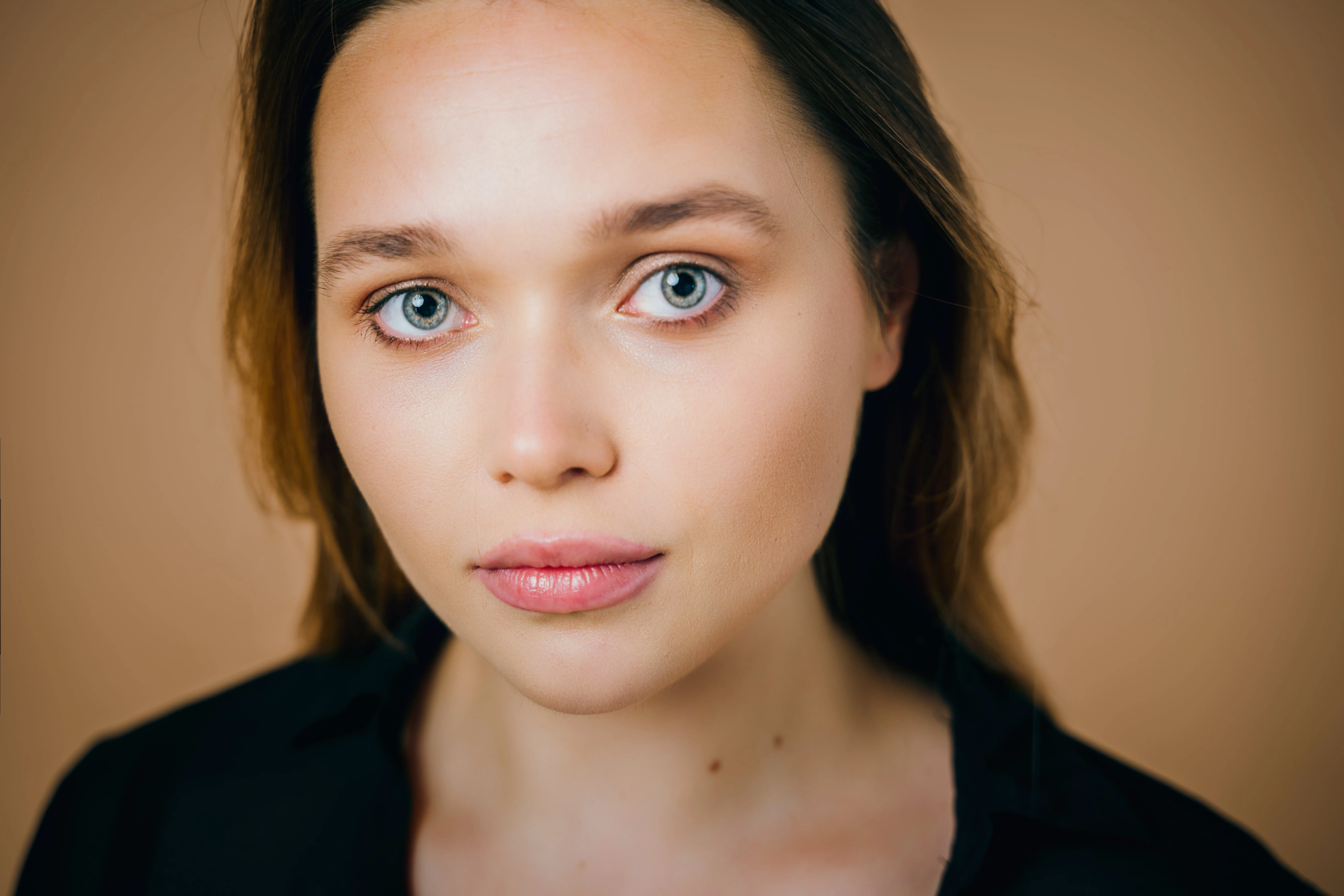
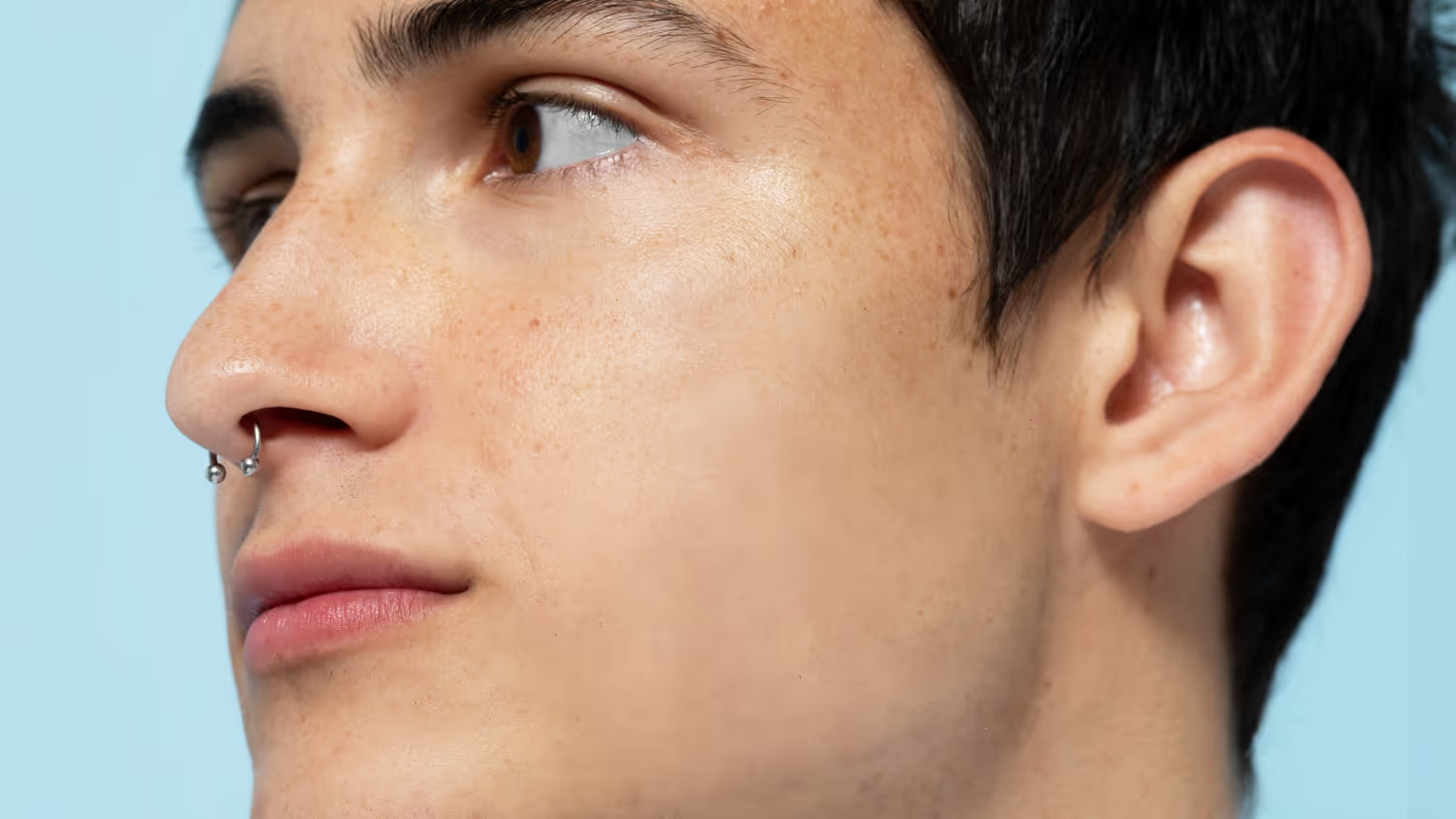
Give your images a clean, polished look in seconds. Smoothing reduces noise, evens out details, and keeps textures natural—so your photos feel refined, not overedited.
Pläne ansehenHow to Use the Face Smoother Tool

Open your photo. Upload your image to Luminar Neo and select the Skin AI tool.

Apply smoothing. Adjust the Amount slider to smooth skin and even out texture while keeping it natural.

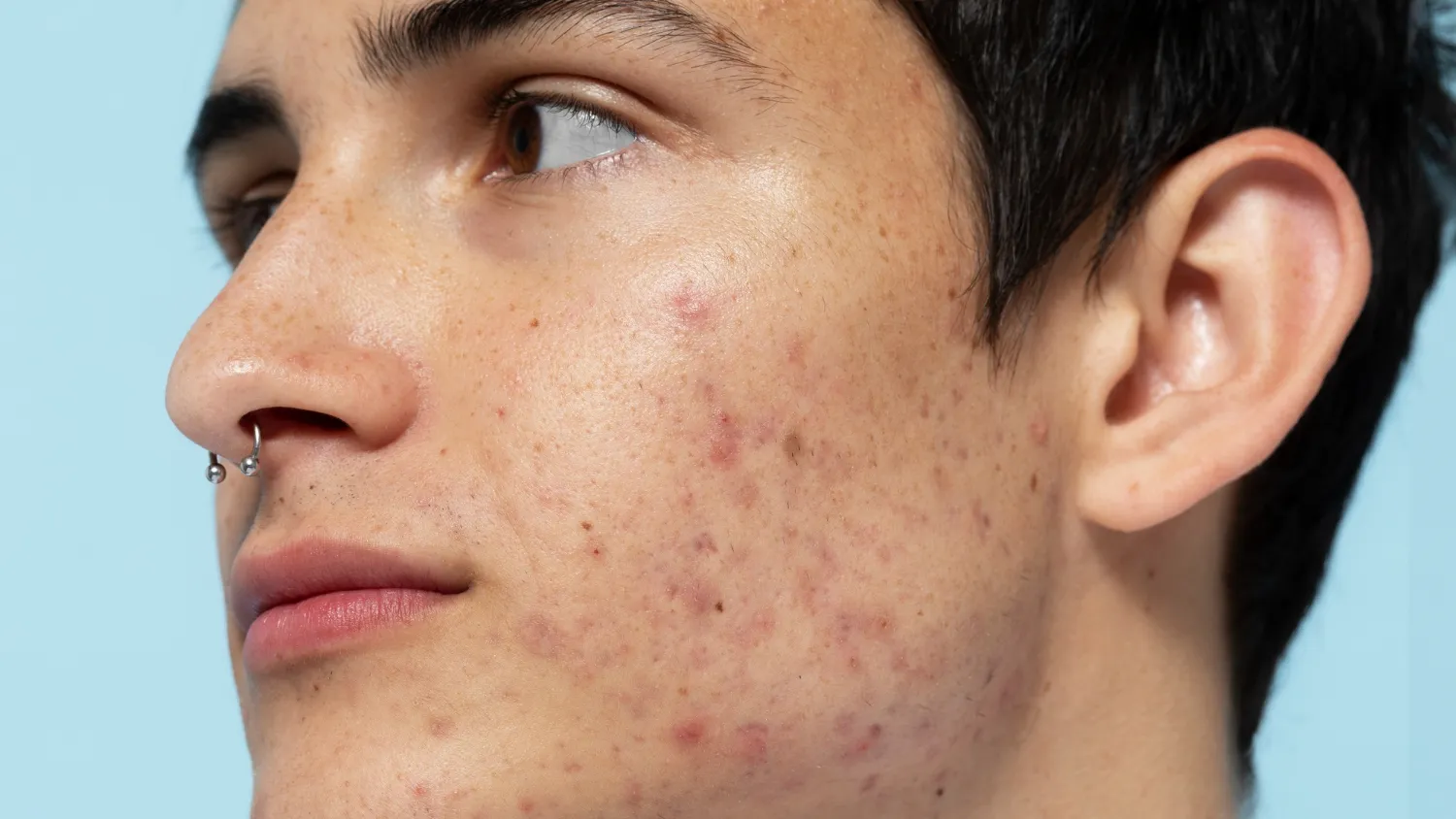
Refine details. Use Shine Removal to reduce highlights and Skin Defects Removal to clean up imperfections.

Keep it balanced. Fine-tune the effect to avoid over-smoothing—your goal is clean, natural skin, not a “plastic” look.

Save or continue editing. Export your photo or enhance it further with other Luminar tools.
Where Face Photo Smoother Fits
Portrait & lifestyle photography
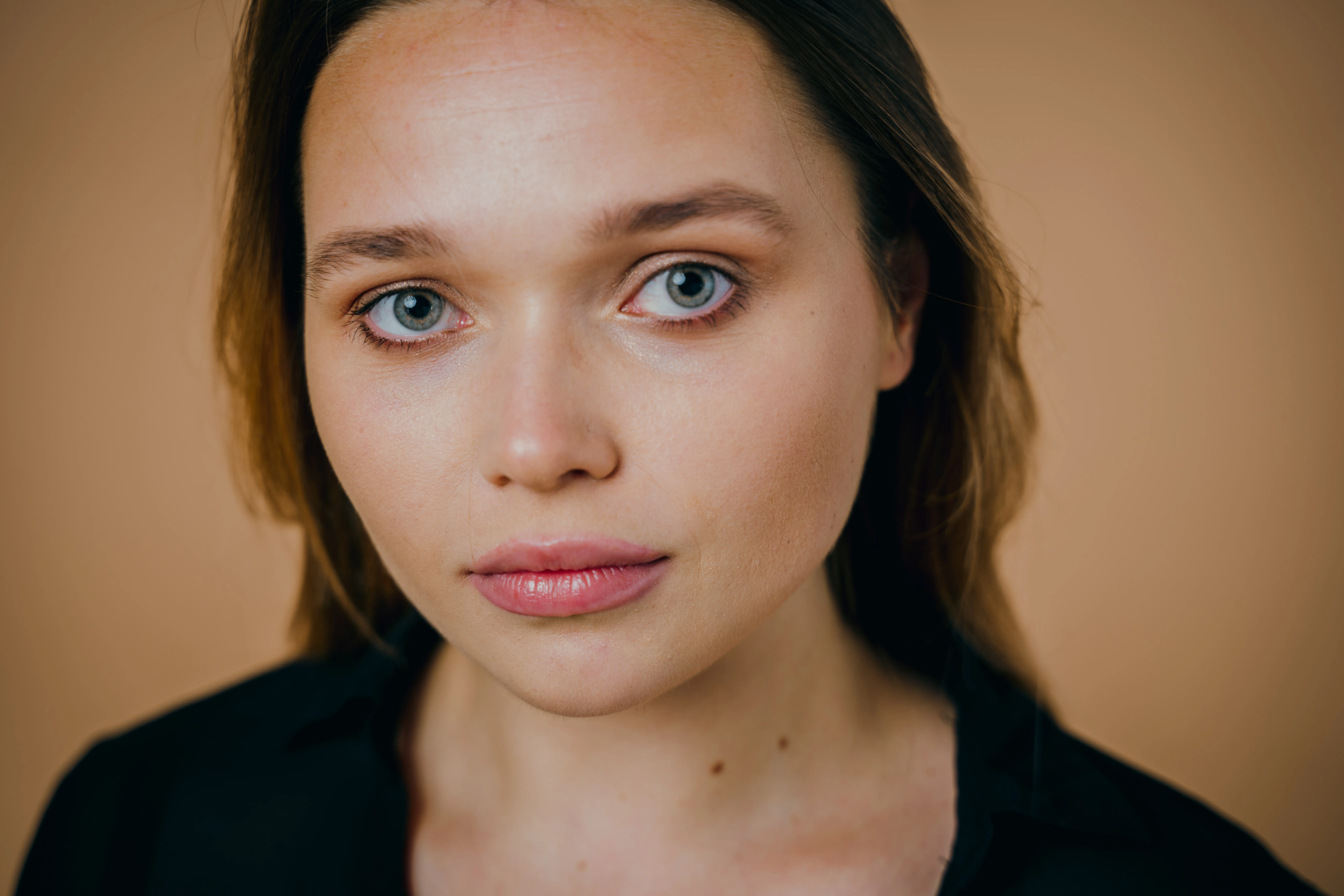


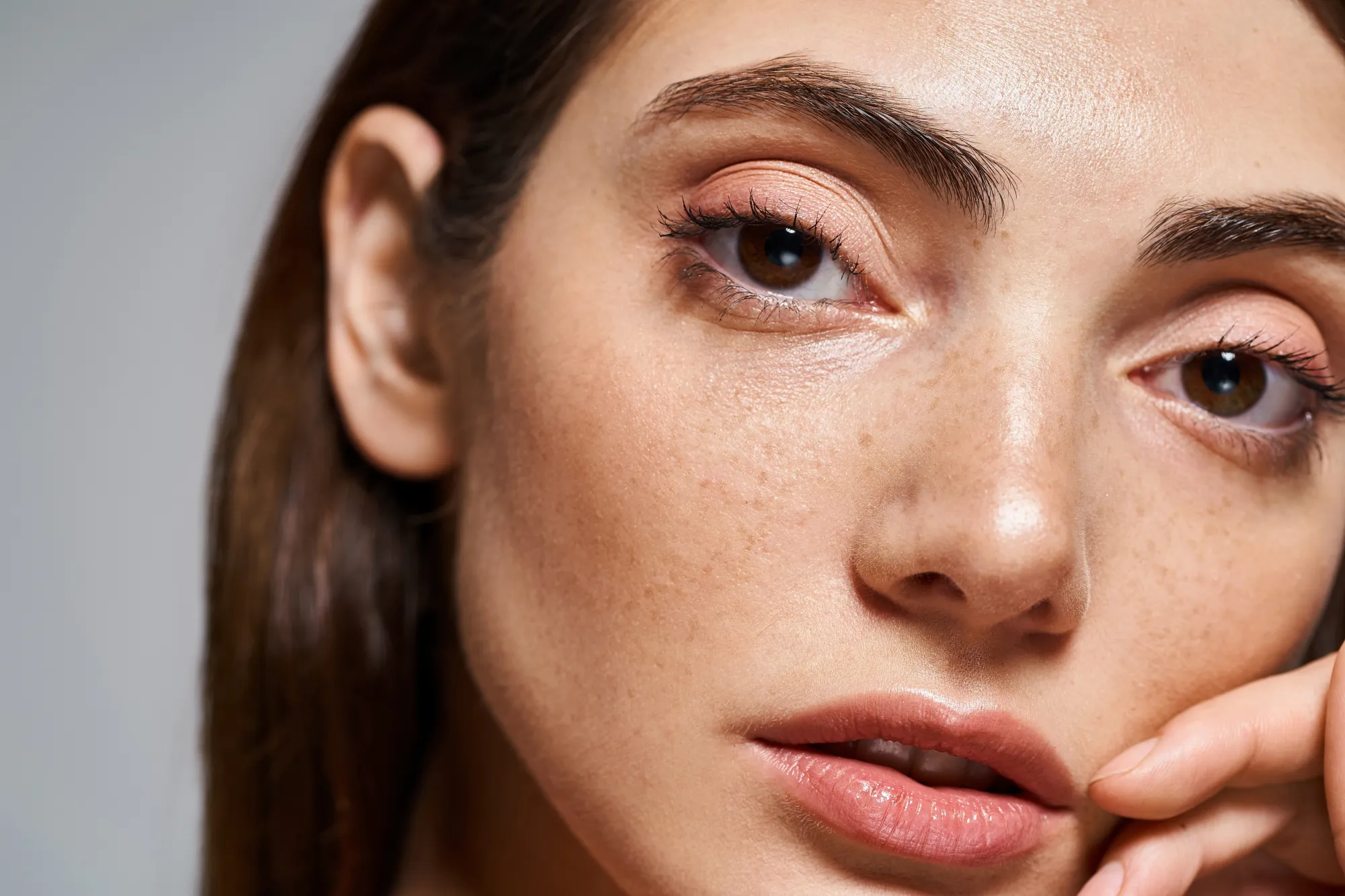

Close-up shots and selfies
Harsh lighting conditions
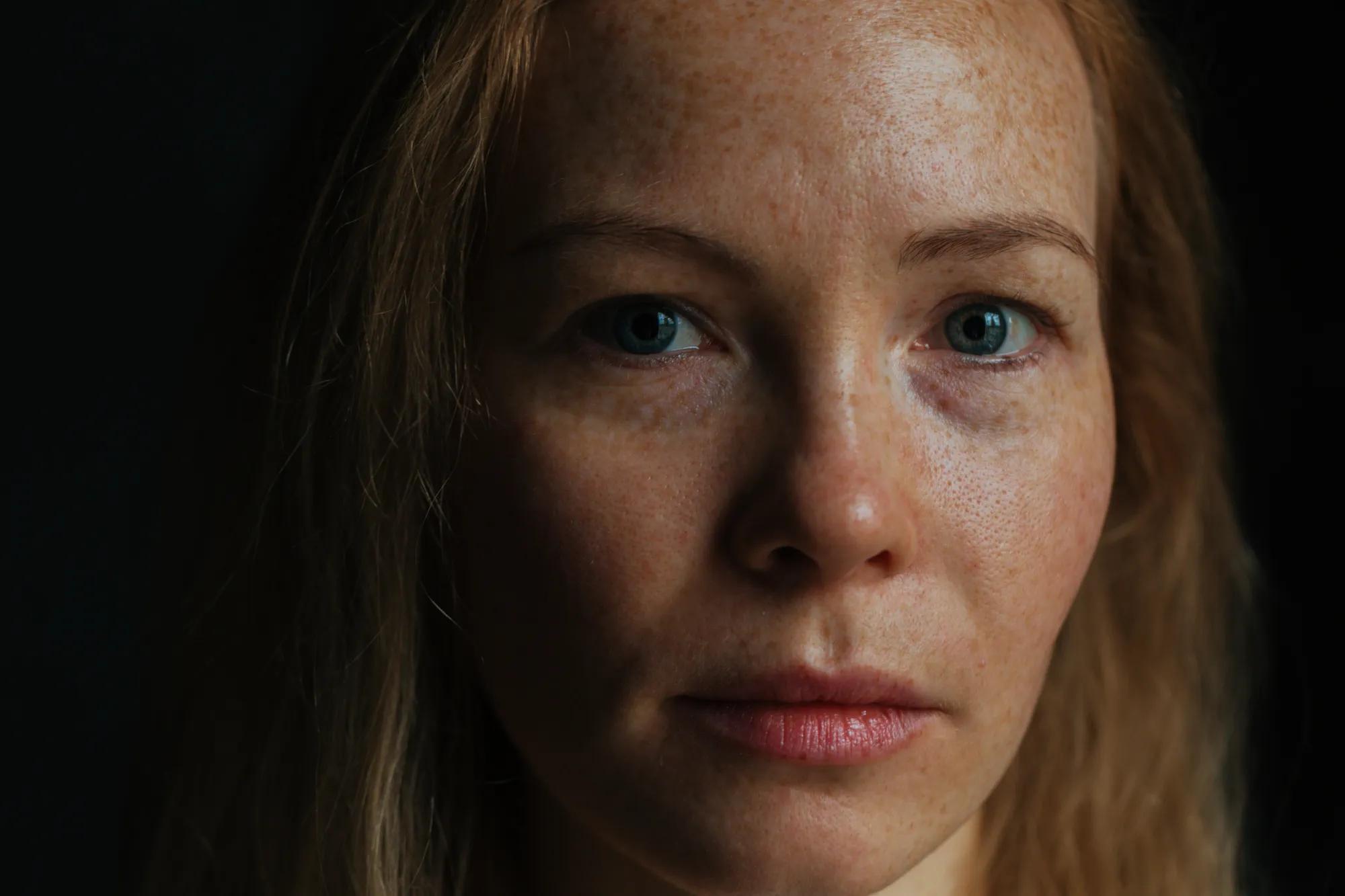

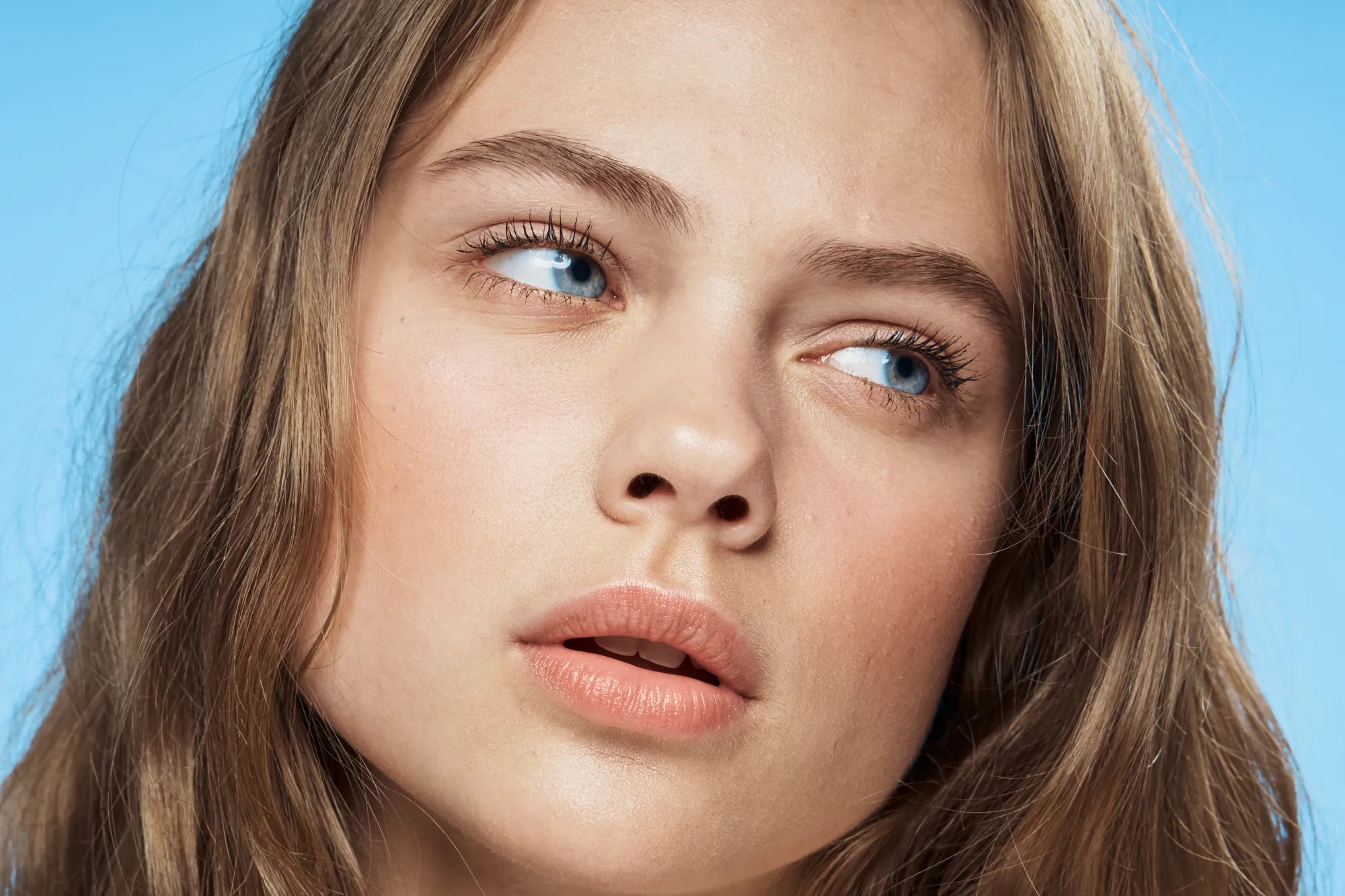
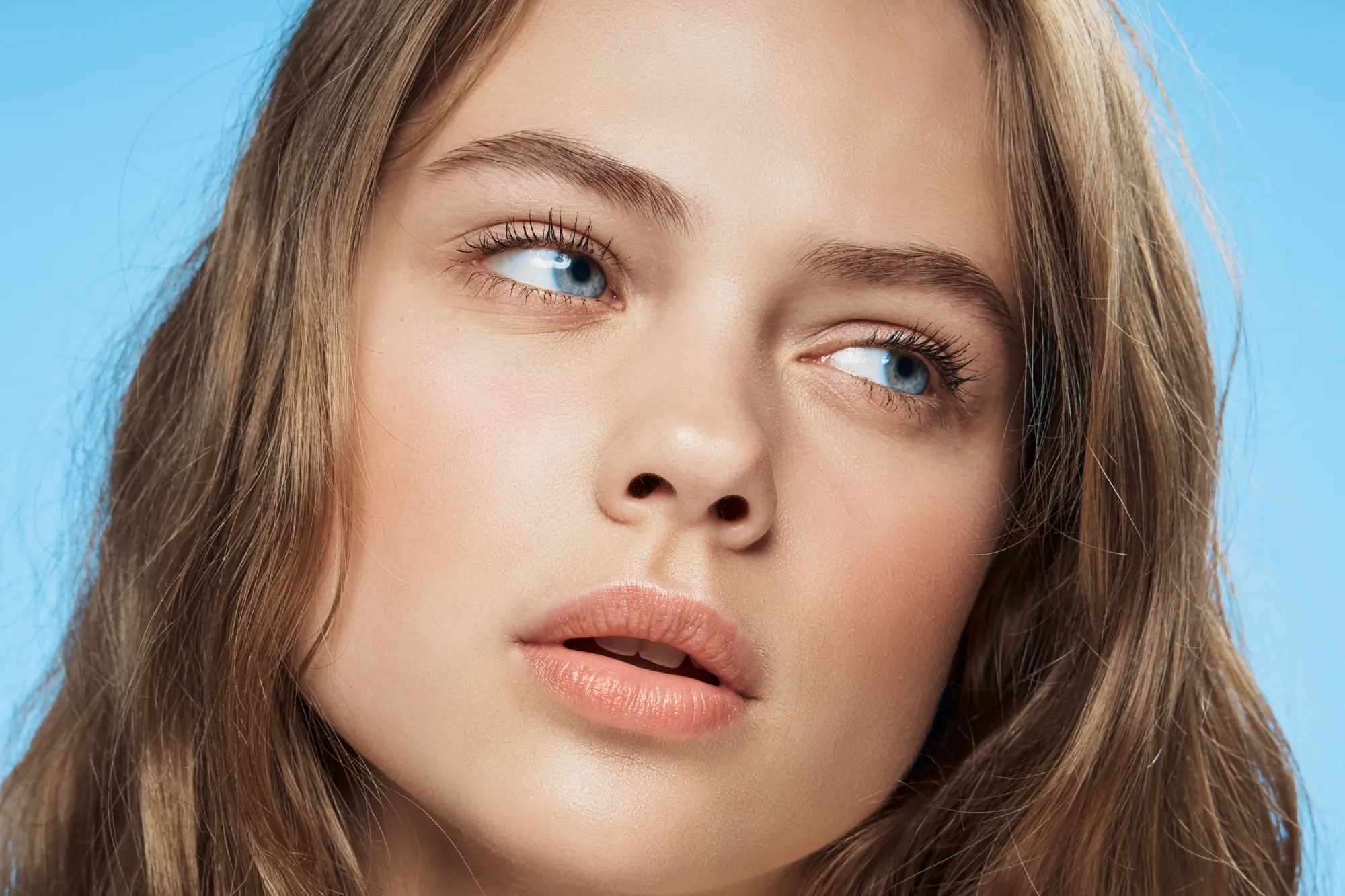
Quick edits before sharing
Entdecke weitere Funktionen













Anwendung & Plugin
Für Mac & Windows
- Leistungsstarker AI-Editor
technische Unterstützung 24 Stunden / 7 Tage die Woche
30 Tage Geld-zurück-Garantie
Join our communities